
Download Underworld Evolution Screensaver – Underworld Revolution, Death Dealers, Lycans, vampire world, cinematic experience, gothic aesthetic, Selene, dark atmosphere, high-stakes drama
Overview
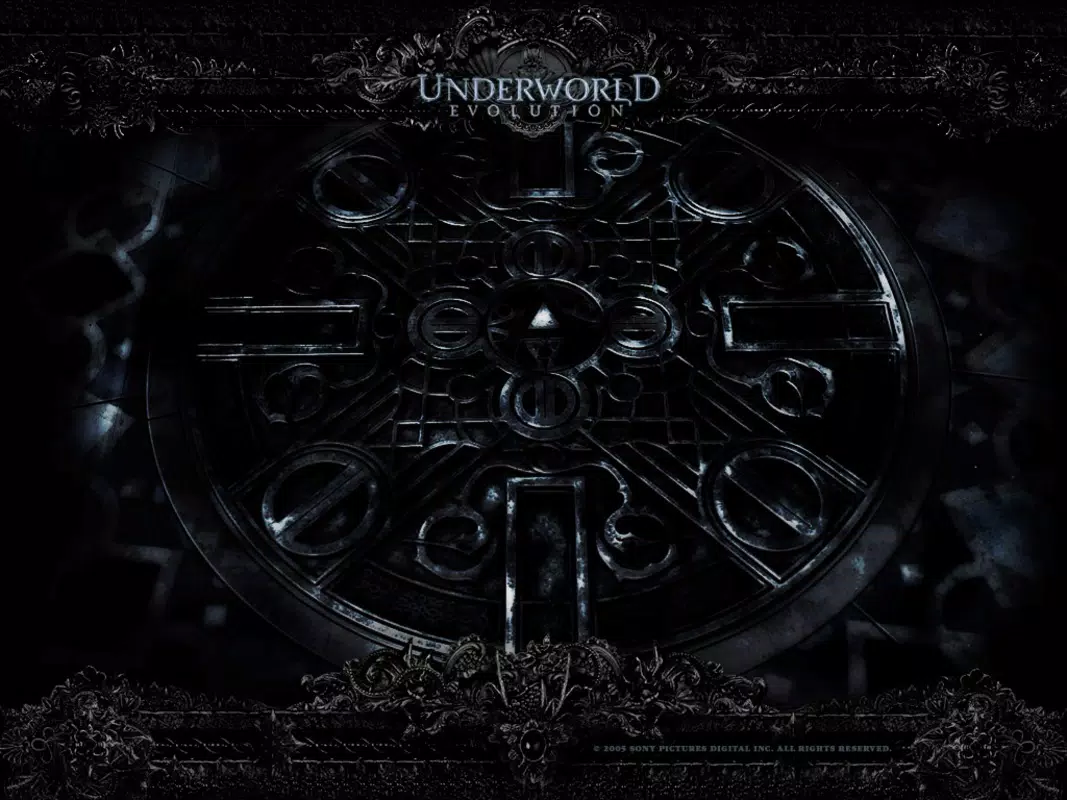
The Underworld Evolution Screensaver offers a visually immersive experience rooted in the dark, action-packed universe of the Underworld franchise. Designed as a digital homage to the anticipated sequel, Underworld Revolution, the screensaver captures the early stages of the escalating conflict between the Death Dealers and the Barbaric Lycans. Its primary purpose is to transform a user’s desktop into a dynamic cinematic space, delivering a sense of atmosphere and narrative depth that extends beyond static imagery.
This tool appeals to fans of the series seeking to deepen their engagement with the lore, as well as newcomers intrigued by the gothic aesthetic and high-stakes drama central to the franchise. The developer, Arnold A. Howe, has crafted a product that functions as both a visual tribute and a utility for personalizing digital environments.
While specific technical or background details about the developer were not provided, the app’s focus on thematic consistency and visual fidelity suggests a deliberate design approach. Real-world use cases include enhancing home or office workspaces with immersive content, creating a mood-setting backdrop during breaks, or serving as a digital art piece for enthusiasts of dark fantasy. In the broader app ecosystem, it occupies a niche as a specialized screensaver, contributing to the legacy of fan-driven digital content that extends cinematic experiences beyond the screen.
Key Features & Functionality
- Stunning Visuals: High-resolution graphics render the gothic, shadow-drenched world of Underworld with precision. Each frame is crafted to reflect the film’s aesthetic, featuring intricate details in architecture, lighting, and character design.
- Cinematic Experience: The screensaver integrates animated sequences and thematic music to simulate the pacing and emotional tone of a movie scene, offering users a sense of narrative progression.
- Character Focus on Selene: Central to the experience is the portrayal of Selene, whose journey and internal conflicts are visually emphasized through dynamic animations and symbolic imagery.
- User-Friendly Installation: The setup process is designed to be accessible to users with minimal technical knowledge, featuring step-by-step guidance to ensure smooth deployment.
- Customizable Settings: Users can adjust animation speed, sound effects, and scene selection, allowing for personalization based on preference and system performance.
These features translate into tangible benefits: users can tailor the experience to match their mood or hardware capabilities. For example, slowing down the animation speed may improve performance on older systems, while enabling sound effects enhances immersion. The ability to select specific scenes allows fans to revisit pivotal moments from the franchise’s lore. This level of control ensures that the screensaver remains engaging over time, adapting to user needs and preferences. The integration of thematic music and character-centric visuals also supports emotional engagement, making the experience more than passive viewing—it becomes a form of digital storytelling.
Interface, UX & Performance
The interface of the Underworld Evolution Screensaver is designed with simplicity and visual impact in mind. Users are presented with a clean, minimal configuration panel that allows access to key customization options without overwhelming the user. Navigation is intuitive, relying on standard Windows controls such as sliders and dropdown menus.
The visual style remains consistent with the gothic, dark fantasy theme of the Underworld universe, reinforcing the immersive atmosphere. Although the developer did not list formal performance metrics, the app’s 15.4 MB file size suggests it is lightweight and optimized for efficient operation. It is expected to run smoothly on a range of Windows devices, including older systems, though specific hardware requirements were not disclosed.
Responsiveness appears to be well-managed, with transitions between scenes and animation sequences appearing fluid. Stability is likely maintained through a focused scope—being a screensaver rather than a full-featured application—reducing the risk of crashes or memory leaks. However, compatibility with newer Windows versions or high-DPI displays was not confirmed.
Overall, the UX prioritizes ease of use and visual fidelity, making it accessible to a broad audience without sacrificing depth.
Platform Compatibility & Technical Requirements
The Underworld Evolution Screensaver is available exclusively for the Windows platform. It is compatible with Windows operating systems, though the specific minimum version was not listed by the developer. The app has a file size of 15.4 MB, which is relatively compact and suitable for quick downloads and installations.
The current version is 1.0, indicating a stable initial release. While the developer did not specify exact technical requirements such as RAM, processor, or GPU specifications, the lightweight nature of the app suggests it is designed to function on a wide range of Windows devices. Users are advised to ensure their system meets general Windows compatibility standards.
For those using modern or legacy Windows environments, the lack of detailed requirements means installation should be approached with caution if the system is outdated. The absence of platform-specific notes for macOS or mobile devices confirms that this product is not available outside the Windows ecosystem.
Pros and Cons
- High-quality, cinematic visuals that reflect the Underworld franchise’s aesthetic
- Immersive experience enhanced by thematic music and character-focused animations
- Simple installation process suitable for non-technical users
- Customizable settings allow personalization of animation speed, sound, and scene selection
- Free to download and use, making it accessible to a wide audience
- Compatibility with newer Windows versions was not confirmed
- Specific system requirements were not disclosed
- Only available for Windows, limiting cross-platform access
- No update frequency or future development roadmap was provided
- Limited to desktop use; not designed for mobile or tablet devices
FAQ
Is the Underworld Evolution Screensaver safe to download?
The app is free and distributed without known malware. As with any third-party software, users should download from trusted sources to ensure security.
Can I use this screensaver on older Windows systems?
While the developer did not specify compatibility details, the small file size suggests it may function on older systems. Users should test installation on their device.
Does the screensaver require an internet connection?
No, the screensaver operates offline once installed. Internet access is not needed for core functionality.
Is the app available for macOS or mobile devices?
No, the developer has not released versions for macOS, iOS, or Android. It is currently exclusive to Windows.
How do I install the Underworld Evolution Screensaver?
Installation involves downloading the file, running the installer, and following the on-screen prompts. Detailed instructions are included in the setup package.
Final Thoughts
The Underworld Evolution Screensaver delivers a compelling blend of cinematic storytelling and visual artistry, effectively translating the dark, dramatic world of the Underworld franchise into a digital experience. Its focus on character depth, particularly Selene’s journey, and its attention to gothic aesthetics elevate it beyond a simple wallpaper replacement. For fans of the series, it serves as a nostalgic and immersive tool that enhances digital environments with thematic resonance.
The customization options add long-term value, allowing users to tailor the experience to their preferences. While its exclusivity to Windows and lack of updated compatibility information may limit broader appeal, its lightweight design and free access make it a worthwhile addition for desktop users. The app stands out in its niche as a fan-centric utility that bridges film and personal technology.
For those seeking a dramatic, atmospheric enhancement to their desktop, this screensaver offers a unique and engaging solution. Download Underworld Evolution Screensaver now.


